


How To Expand The IO Of Your Apollo Twin
- Rich Layers

- 28. Juli 2022
- 2 Min. Lesezeit
The Apollo Twin is the perfect introduction into the Univeral Audio ecosystem.
For starters it has enough IO (input and output connections).
But if you want to record more than two audio sources at the same time, or if you want more than one external stereo processing chain, you will need a upgrade.
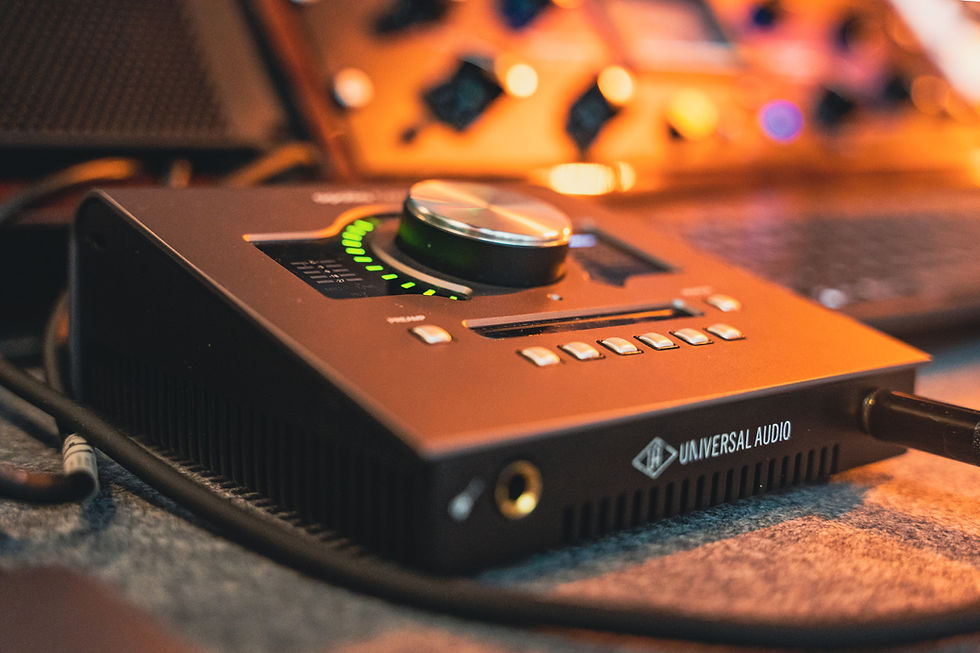
More Outputs
First off, you can only expand the Inputs of your Apollo Twin and you cant expand the Outputs.
The Apollo Twin does not have a ADAT OUT Connector. That means you cant expand Outputs.
If you need more Outputs, for example for multiple external devices you will need to get a bigger UAD Apollo interface, which you then can daisy chain to your Apollo Twin. Alternatively you need to change to a entirely different Interface.
More Inputs
If you only need additional Inputs you can easily exand to up to 8 additional Inputs.
You can do that by using the ADAT IN connector on your Apollo Twin.
You will need an ADAT capaple preamp.
I recommend the > Scarlett Octo Pre < because of its quality, pricing and ease of use.
How to set it up
Once you have your Octo Pre you will need to connect it to your Apollo Twin via an optical cable. From the right ADAT OUT of the Octo Pre to the ADAT IN of yout Apollo Twin.
The Octo Pre has two ADAT OUTs in case you work with a sample rate higher than 48.
With 44.1 and 48 you get 8 additional inputs with one ADAT connection.
With 88.2 and 96 you get 4 additional inputs with one ADAT connection and 8 additional inputs with two ADAT connections.
And with 176.4 and 192 you get 4 additional inputs with two ADAT connections.
Well in any way you can only use one ADAT connection since the Apollo Twin only has one.

Settings in the UAD Console
Inside of the UAD Console you will have to change a couple of settings.
Open the Console and click on Settings in the lower left corner.
There you cange the clock source to ADAT.
Change Digital Input to ADAT.

Make sure the Sample Rate in your UAD Console settings and on the Octo Pre are the same.
And change the clock settings on the Octo Pre to Internal.
That way the Octo Pre is the Word Clock which it has to be since it can only send information to the Apollo Twin and cant receive any due to the only connection being the ADAT OUTPUT.
Now you should have up to 8 additional inputs for your analog chain, your DJ player or your podcast mics.